
For iPhone & iPad
A jeweler’s reference and calculators in your pocket
Jewelers Handbook brings chains, gemstones, cuts, settings and clasps together with practical calculators. Work out rings, wire and weight for a chain, see it in 3D at actual size, check a stone’s hardness and treatments, estimate carats or convert a ring size, right at the bench and without internet.
- Works fully offline
- 3D at actual size
- No account
- No data collected
What is Jewelers Handbook?
Jewelers Handbook is an offline reference and calculator kit made by a working chainmaker for jewelers, students and hobbyists. It answers the everyday bench questions: how many rings and how much wire a Byzantine chain needs, how heavy a sheet or ring blank will be, which setting suits a fragile stone, what ring size a customer’s 17 mm means in US or UK sizes.
Every number comes from a named source, such as GIA articles, supplier catalogs and standards, and the app lists all of them. Where no reliable source exists, the field is left empty instead of guessed. Calculations of weight, carats and sizes are clearly marked as estimates.
- 8chain calculators
- 32gemstones
- 15cuts in 3D
- 13setting types
- 14clasp types in 3D
- 77cited sources
How it works
- Find it. Open a section from the home screen or type in Search the handbook. Search understands both English and Russian names.
- Enter your sizes. Choose the metal and enter wire, ring or stone dimensions. Results update as you type, with warnings when a chain won’t assemble.
- Check it at 1:1. Tap Actual size to see the model on screen at its real size, then save the calculation to My pieces.
Features
Chain calculators
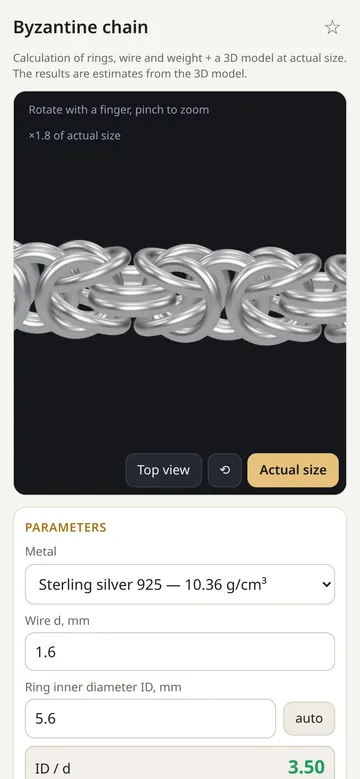
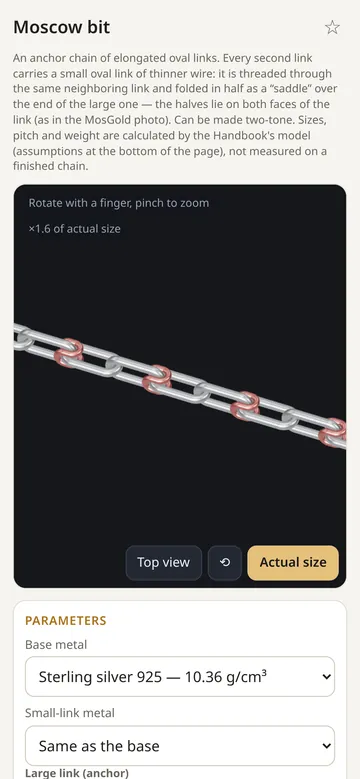
Byzantine, anchor (cable) and Moscow bit: number of rings or links, wire length and chain weight from your sizes, with a check of whether the weave will assemble. Correct the result with a test piece.
How the calculators workApproximate chain weight
Bismarck, rope, curb, Figaro 3/1 and box chains: weight per centimeter from supplier tables, clearly marked as approximate.
About approximate chains3D at actual size
Rotate and zoom chains, cuts, settings, clasps and rings in 3D. Actual size shows them 1:1, scaled automatically on known iPhones and iPads.
Actual size and calibration32 gemstones
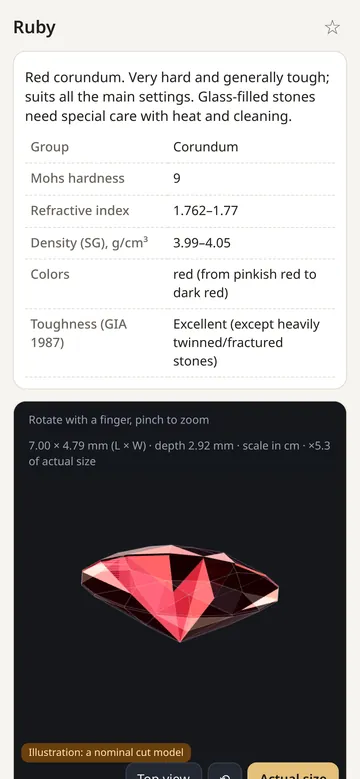
Group, Mohs hardness, refractive index, density, colors, toughness (GIA 1987), common treatments, ultrasonic cleaning and care, each with sources.
Stone cards15 cuts
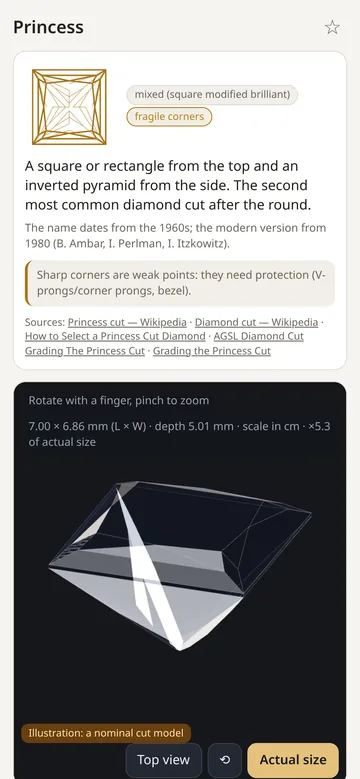
From round brilliant and princess to rose and cabochon: shape, facets, typical proportions and fragile spots, each with a 3D model.
Cut cardsSettings and finder
13 setting types, from prongs and bezel to pavé and tension. The finder takes a stone and a cut and shows which settings are recommended and which are not.
Setting finder14 clasp types
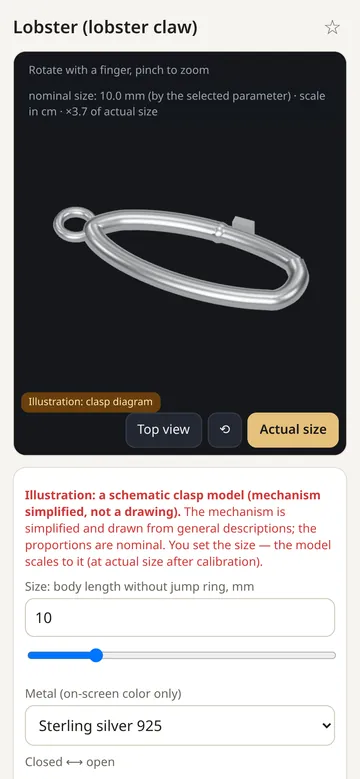
Lobster, spring ring, box, toggle and more, with 3D diagrams that open and close, pros and cons, and a clasp finder by the features you need.
ClaspsBench tools
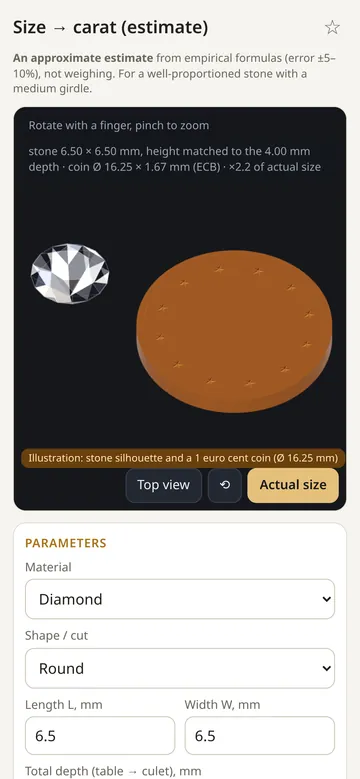
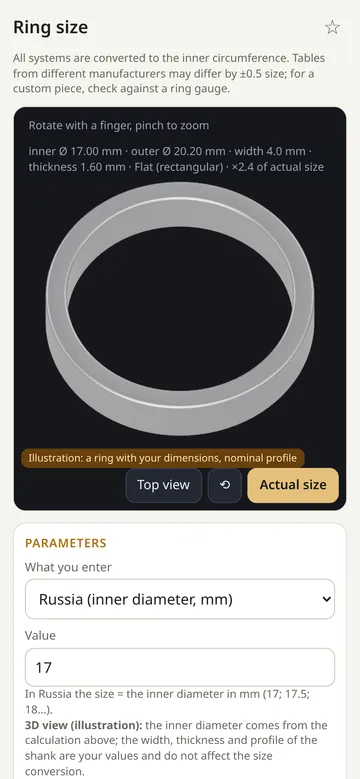
Size → carat estimates stone weight from dimensions, Ring size converts EU, RU, US and UK, and Metal weight covers wire, sheet and ring blanks.
ToolsMy pieces and favorites
Save any calculation with its 3D thumbnail, duplicate it or export to a file. Star the entries you use most.
My pieces
Screenshots
Private and offline by design
- Works fully offline. All catalogs, calculators and 3D models are built into the app.
- No account, sign-up or sign-in. No ads, analytics or tracking.
- Your pieces, favorites and settings stay on your device.
Read the Privacy Policy.
Good to know
Languages. The app is available in English and Russian and follows your device language.
Calculations are estimates. Weight, carat and size results depend on the alloy, tolerances and finishing. Always check against a test piece, scales and a gauge before making a piece.
Support and contact
Found a bug, have a question or an idea? Write to me, the developer, at dreamcomenull@gmail.com. I reply to every message as soon as I can. Please include your device model, iOS version and what happened; a screenshot helps a lot.